
Skillshare - Edit your own Reels and Shorts on Adobe Premiere Pro
Learn to create engaging vertical videos for Reels, Shorts, and TikToks using Adobe Premiere Pro.
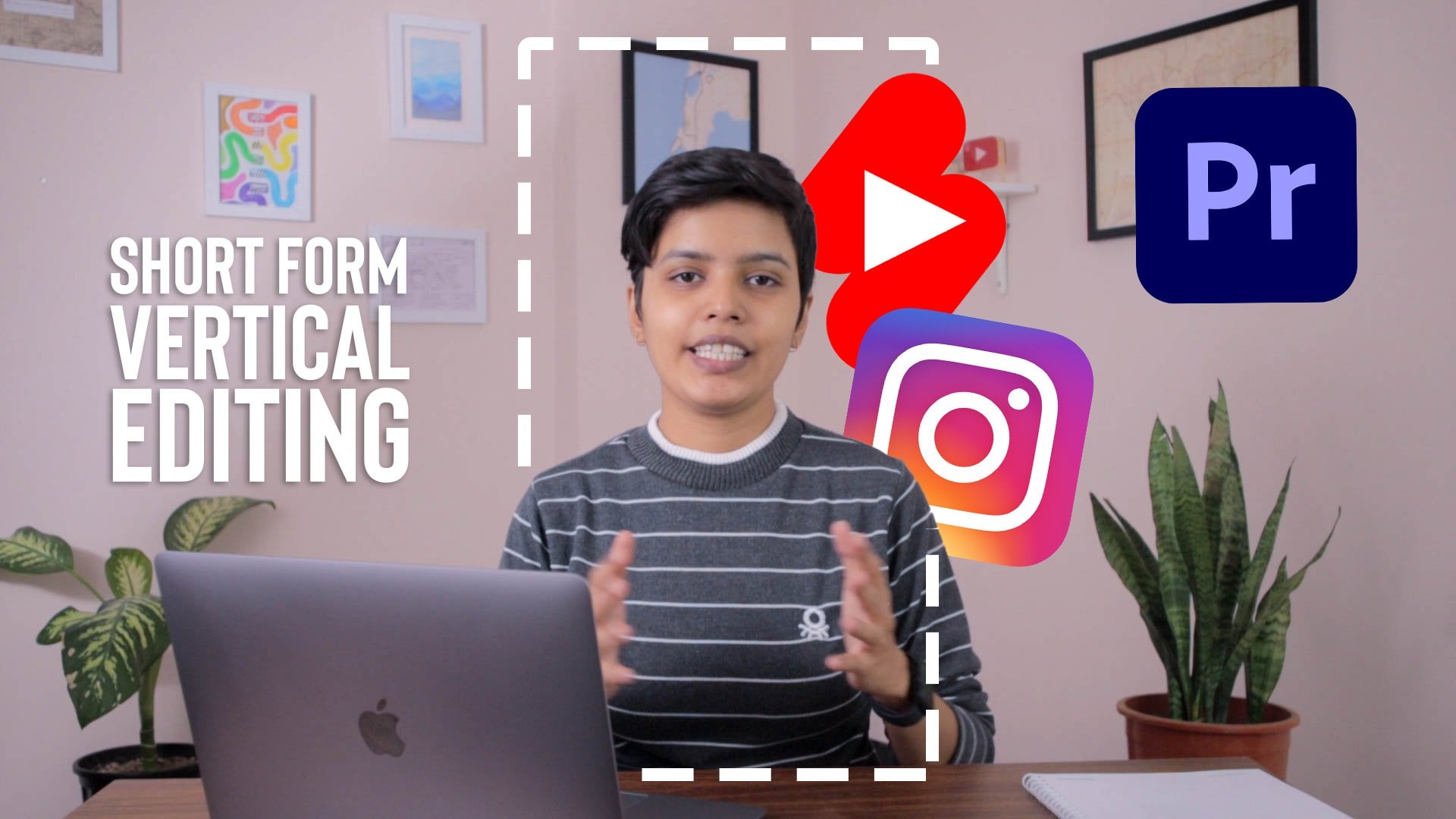
What you'll learn
- Use Adobe Premiere Pro basics for short-form vertical video editing.
- Set optimal aspect ratios for TikTok, Instagram Reels, YouTube Shorts, and other vertical platforms.
- Apply creative editing techniques, transitions, effects, pacing, and storytelling for vertical videos.
- Integrate audio and music to improve short-form video impact.
- Export vertical videos with suitable settings for social media platforms.
Requirements
- Access to Adobe Premiere Pro.
- Basic computer skills and willingness to follow a hands-on editing project.
- No advanced editing experience is required.
Who is this course for
- Content creators who want to edit short-form vertical videos.
- Social media managers creating Reels, Shorts, or TikToks.
- Aspiring filmmakers and video editors who want a practical vertical video workflow.
Download Links
456.96 MB Total Size